Passkeys: for when you'd rather not wait for another code
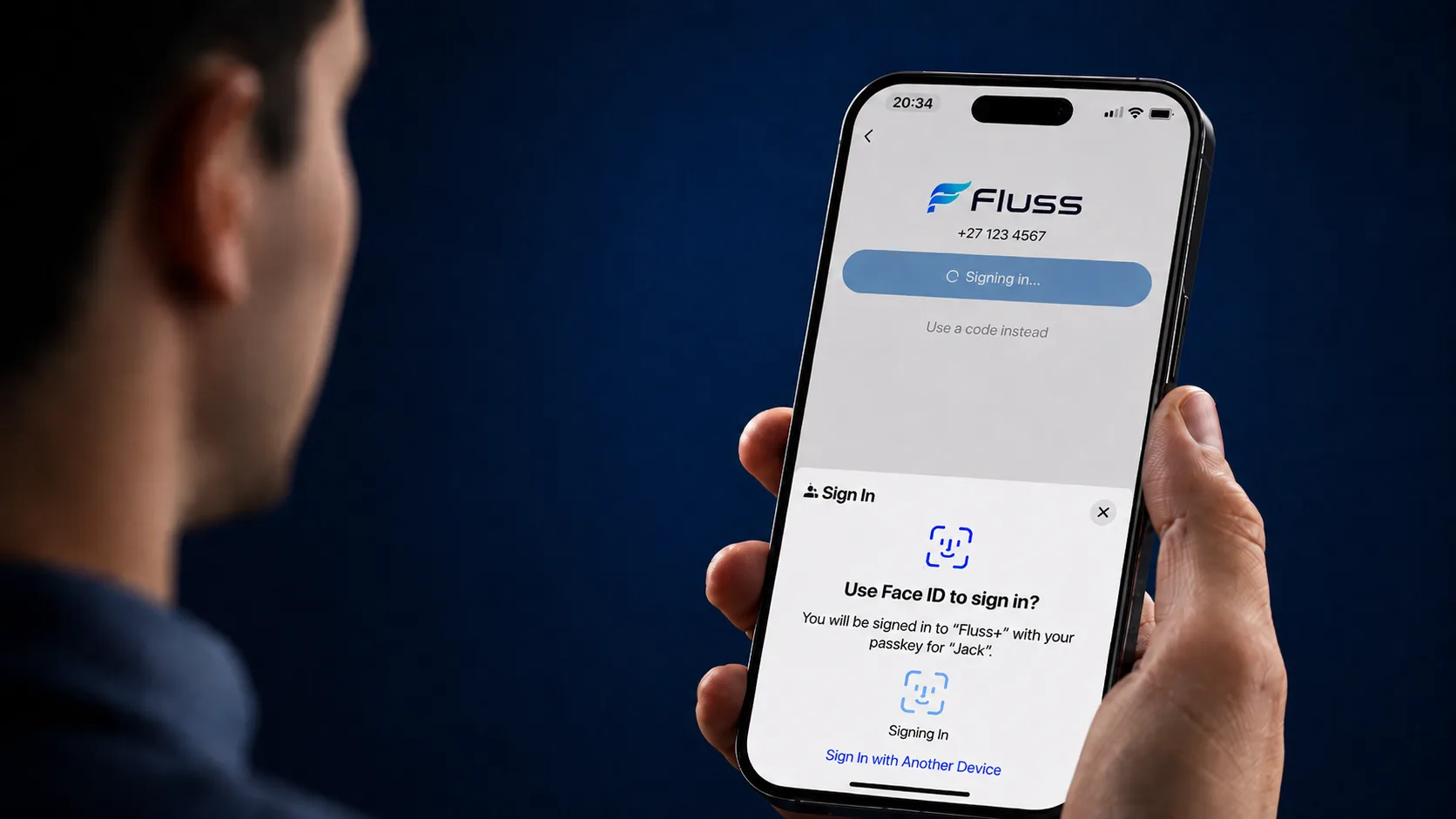
You've got a new phone, or you've been signed out, and the app wants to know you're you again. So it sends a one-time pin — and now you're standing at your gate refreshing your messages, waiting on a network that's taking its time. That's the moment a passkey is for.
Your face, instead of a code that has to reach you
Here's the idea. A passkey is a credential that lives on your phone, and you unlock it the way you unlock everything else on there — face, fingerprint, or your phone's own screen code. Nothing arrives by message, because there's nothing to send.
Which is the safer arrangement, as it happens. A code is only as private as the message carrying it: it can be read over your shoulder, forwarded on, or talked out of you by someone convincing on the phone. A passkey can't be handed over, because there's nothing to hand over. And your face isn't going anywhere either — it isn't sent to us, it simply unlocks the key that's already sitting on your device.
You won't be using it every time you open the app
Worth clearing up, because it's the first thing everyone asks: a passkey isn't a lock screen for the app. It's a login.
So you'll meet it exactly where you'd have met the one-time pin anyway — after you've been signed out, or when you're setting the app up on a new phone. Day to day, nothing changes at all. You open the app and you're in.
Setting one up
The first time you download the app, you'll be offered a passkey once you've signed up and verified your number. Add it there and you're done.
Skip it if you're in a hurry, though — it isn't a one-time offer. Registering a passkey lives under your profile, and you can add one whenever it suits you.
Same place for the housekeeping. Rename a passkey so you can tell your phone from your tablet at a glance, and remove one you no longer want — worth doing on a phone you've sold, replaced, or handed down.
Two ways in, side by side
| Question | Passkey | One-time pin |
|---|---|---|
| What do you need on hand? | Your face, fingerprint, or screen code | Your number, and a WhatsApp or SMS that actually arrives |
| How long does it take? | A second or two | However long the message takes |
| Can it be intercepted or forwarded? | No | Yes |
| Where does it live? | On the device you registered it on | In your messages |
| Will it work on a phone you've just picked up? | Not until you register one there | Yes |
So the one-time pin isn't going away?
No, and that's deliberate. A passkey belongs to a device, which is precisely what makes it safe — and precisely why you'll still want the other option some days. A phone away for repair, a borrowed handset, a device you've not registered yet: request a one-time pin and sign in the old way.
The two aren't competing so much as covering for each other. One is for the phone in your pocket. The other is for every phone that isn't.
The takeaway
Any credential that has to travel to reach you can be intercepted somewhere along the way. One that never leaves your phone has nowhere to be intercepted.
Passkey for the phone you carry. One-time pin for the rest of them.